
▶️ Sign in to Learner Web. Go to your account profile icon and select Settings > My Account
Enter your current password, then provide a new password and confirm the new password and then select update password.
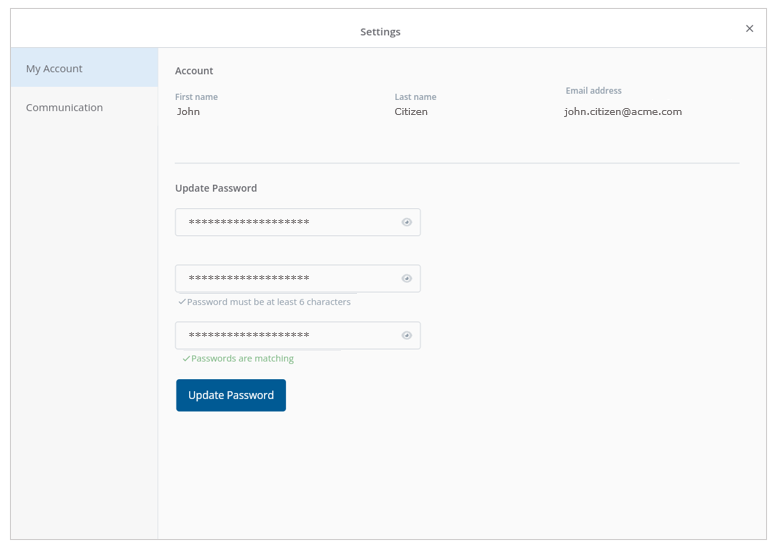
✅ Passwords must be at least 6 characters long
Was this article helpful?
Still need help?
Contact us