
If you are trying to log in to the Learner Web and can't remember or don't have your password, the following options are available:
- Use Forgot Password
- Sign in with Social Login
Forgot Password
Passwords can be easily rest using the Forgot Password option.
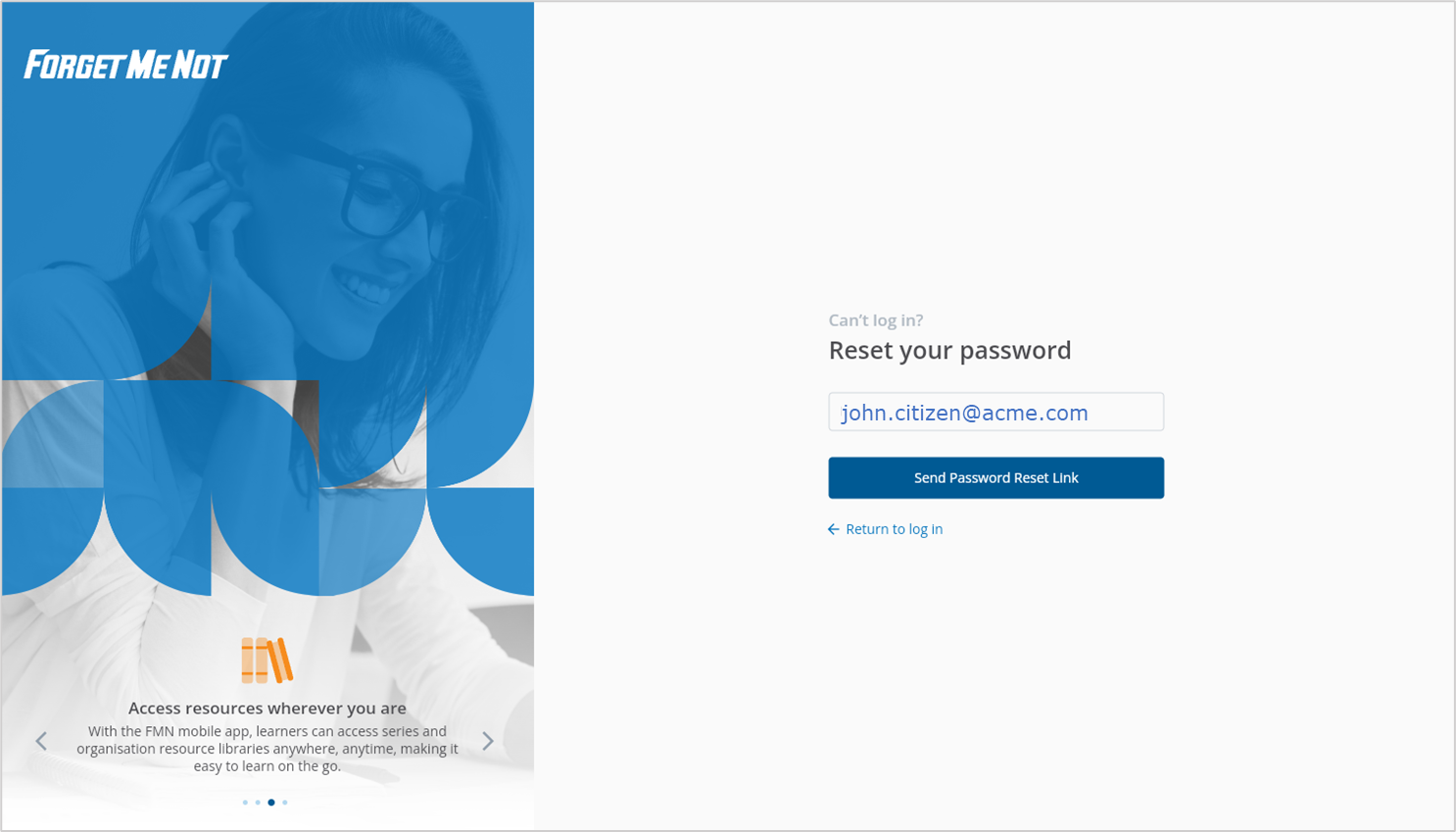
▶️ Select Forgot Password and then enter your registered email address. Select Send Password Reset Link to continue
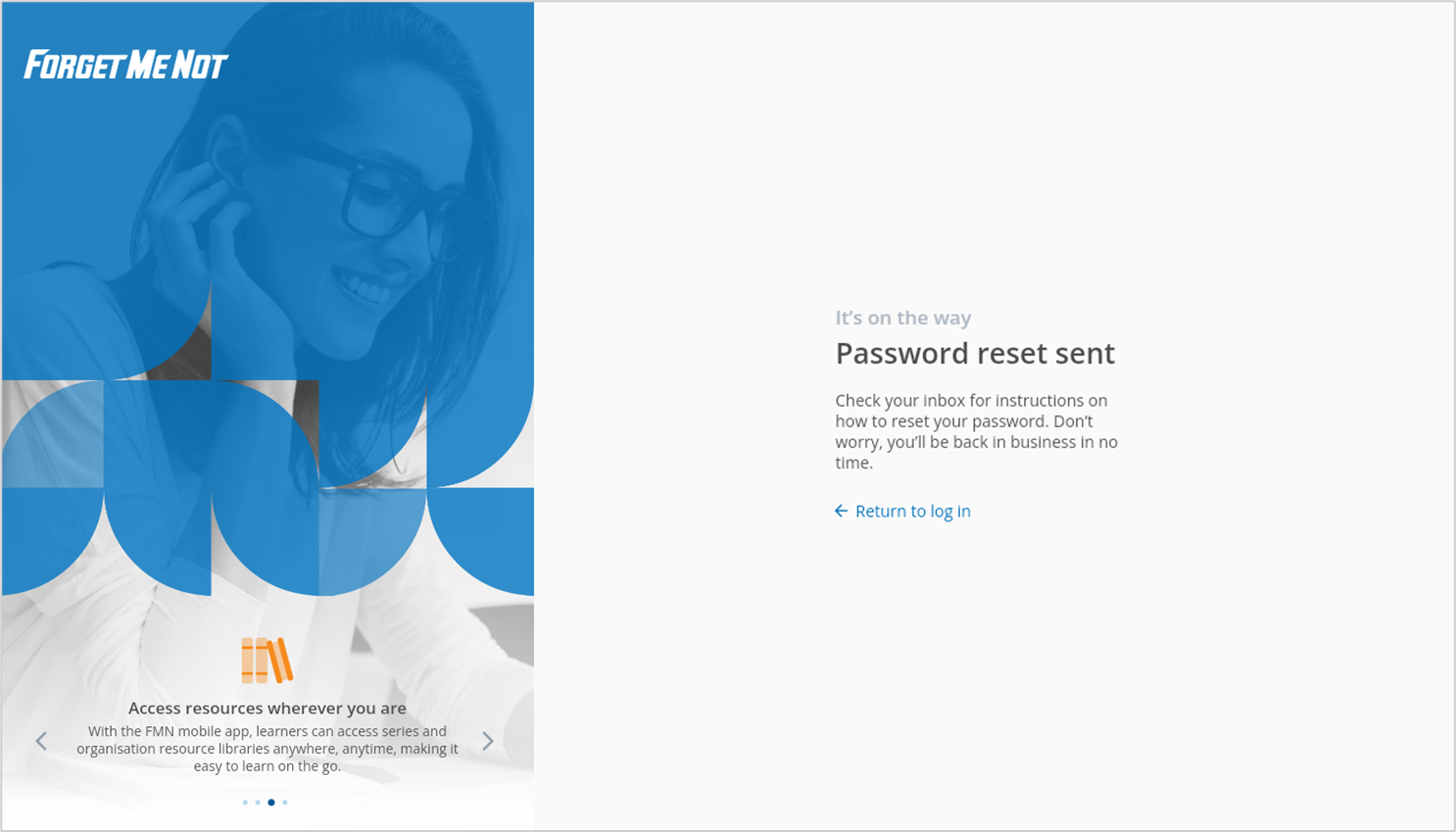
Once the confirmation screen appears, a password reset email has been sent to the registered account. Use the link to set your own password.
Once you have set a new password, select Return to log in to enter your credentials.
Was this article helpful?
Still need help?
Contact us