
- Manually search for the FMN App in the app store
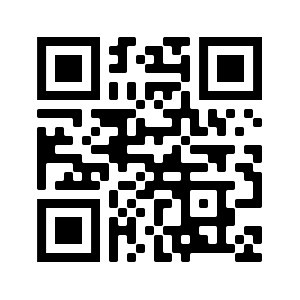
- Scan the App Install QR code with your phone
- Forward the Forget Me Not invite to another email address you can access on your phone
▶️ Manually search in the app store for Forget Me Not Chat and install.

▶️ Scan this App install QR code with your mobile device to take you to the app store and start the download process.
✅ Not sure how to scan a QR code on your device then take a look at this article
▶️ Forward the Forget Me Not invite to another email address you can access on your phone. Tap the install link from there to install the app
Was this article helpful?
Still need help?
Contact us